
Export a report
In the app menu, choose Generate reports and pick a time frame. You’ll see a summary with your EFS and get it by email.
- TechRing
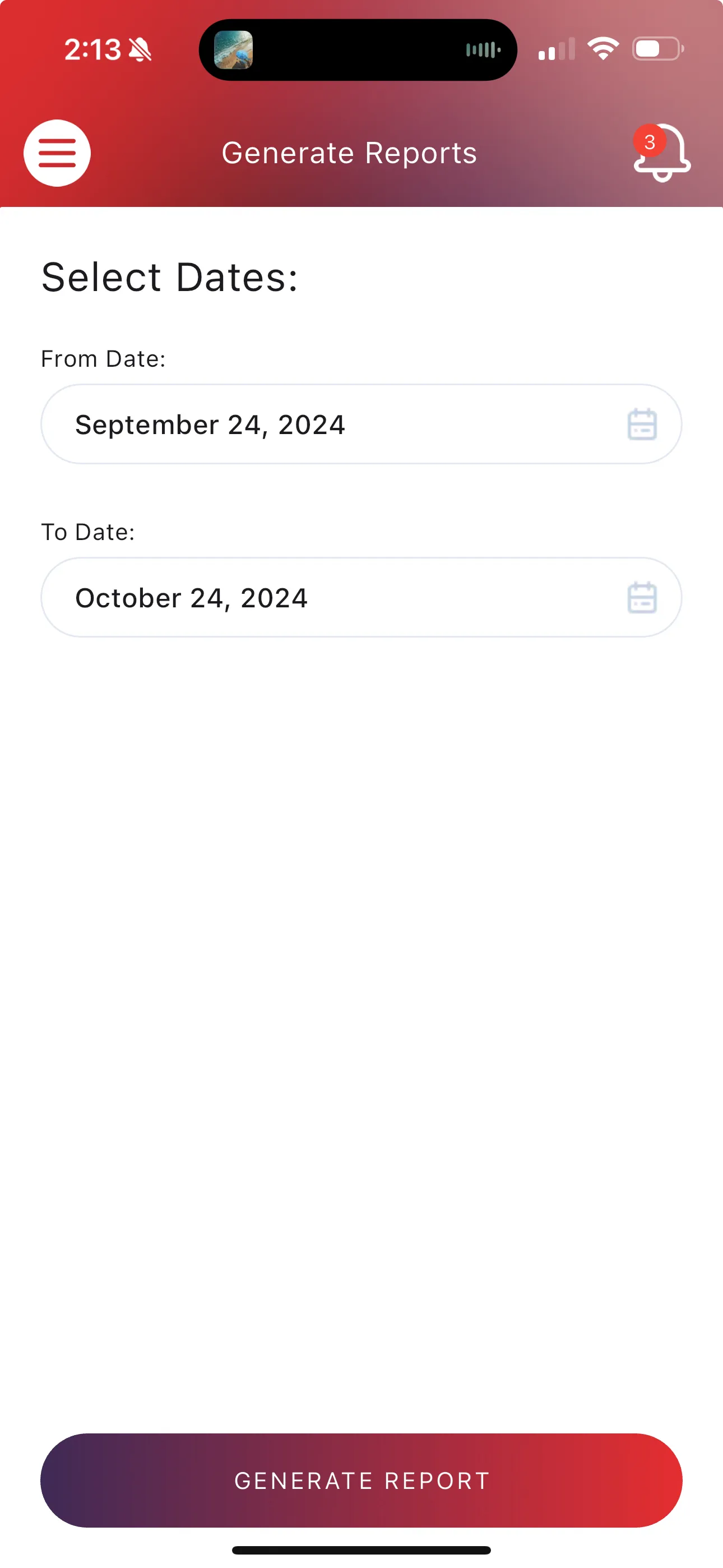
- Open the menu (☰) in the FirmTech app and choose Generate reports.
- Choose the time frame you want to export.
- You’ll see a summary screen, like the home screen, with your Erectile Fitness Score and summary statistics. You’ll also get an email with a summary of the data.
It’s an easy way to share your data with your doctor.
Was this helpful?
Thanks for letting us know.
Sorry about that. Tell us what was missing and we will help. Contact us